AI features in this update are optional (where permitted by your school’s AI policies).
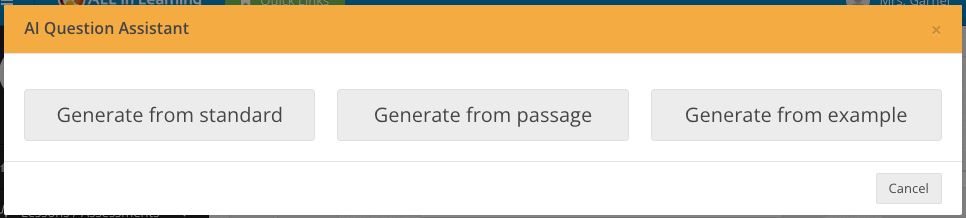
AI Question Assistant
Get instant drafts of new, engaging questions to your specifications (where permitted by your school’s AI policies). What standard? What types? Generate a passage about taking a trip? Yes please! And they’re fully functional ALL In Learning questions!
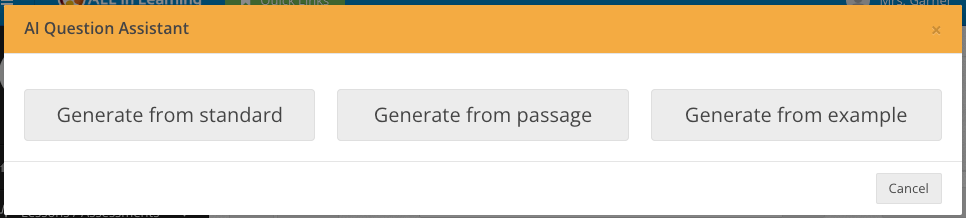
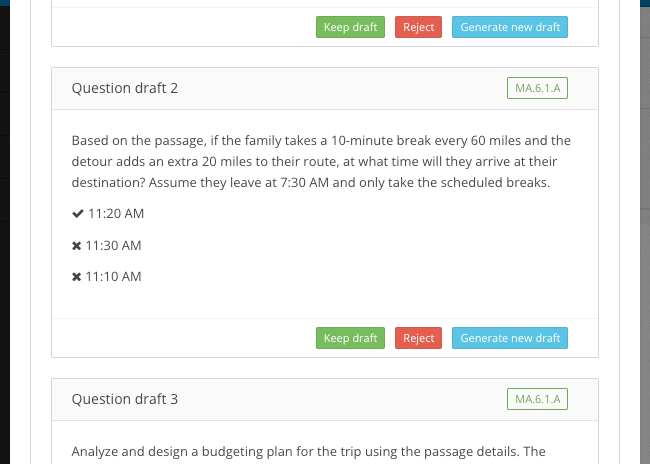
To try it out, go to My Lessons > Create New > AI Question Assistant (where permitted by your school’s AI policies).
New Text-to-Speech Option
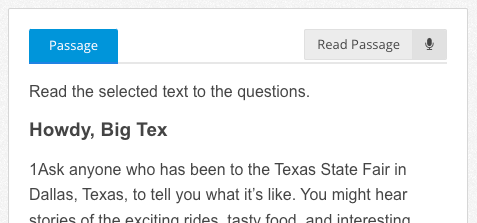
Students with IEP-504 demographic designations will now see a new “Read” button at the upper right of passages and questions, which will simply read the entire item to them. Voice type and speed are still adjusted under Text-to-Speech and they can still highlight any text to have it read aloud.
Specialized AI Grading for STEM and Non-STEM
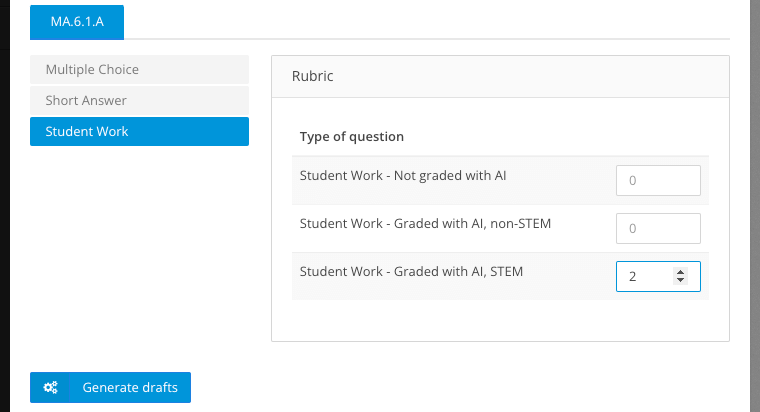
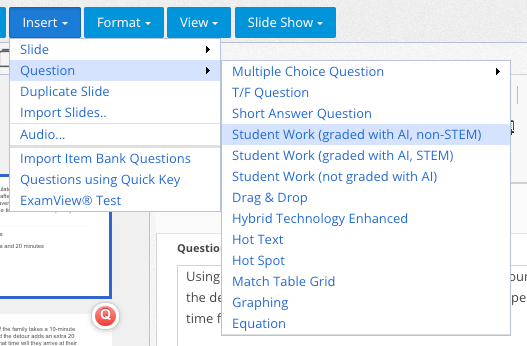
When you add a student-work question to be graded with AI (where permitted by your school’s AI policies), you’ll now see two options: “STEM” and “Non-STEM.” Use the STEM option for STEM, logic, and math type subjects, and the Non-STEM option for most language arts.
“Not Graded with AI” Student Work Question Type
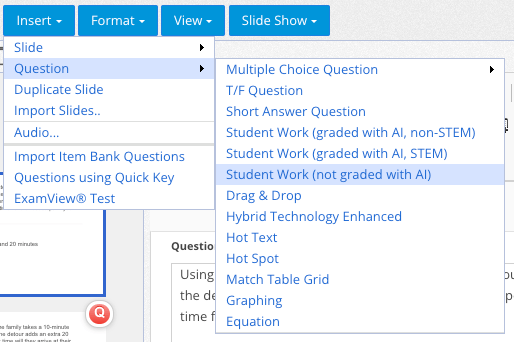
Since introducing the 2 new “graded with AI” question types (STEM and Non-STEM), available (where permitted by your school’s AI policies), we also added a question type for student work that is not to be graded with AI, like draw-your-answer questions.
Plus More!
We’ve also made these updates and fixes:
- Updated: Rubric Library with State Rubrics for AI Grading (where permitted by your school’s AI policies)
- Updated: AI Writing Workshop (where permitted by your school’s AI policies) final draft not counted in setting for number of revisions
- Update: Multi-Select MC Question support for partial credit for correct selections
- Updated: Performance enhancements for student work uploads
- Update: Remove AI-graded question types (where permitted by your school’s AI policies) from “Upload a PDF” assessment option
- Fixed: Campus admin report view error sometimes if teacher has been deleted
- Fixed: “Embed This Assessment” button not working in AI Writing Workshop (where permitted by your school’s AI policies) teacher overview screen
- Fixed: Issue adding sessions to PLC Reports
- Fixed: Class names could be hidden behind “Live Chat” button if class list was long
- Fixed: “View feedback” button for AI feedback (where permitted by your school’s AI policies) sometimes not working after student finishes final draft
- Fixed: Students sometimes can’t find work after leaving student portal and returning
- Fixed: District admin intermittent issues when adding questions to item banks
AI features are optional and available where permitted by the AI policies and requirements that apply to your school. We disable any AI tools restricted by the policies that apply to your school.