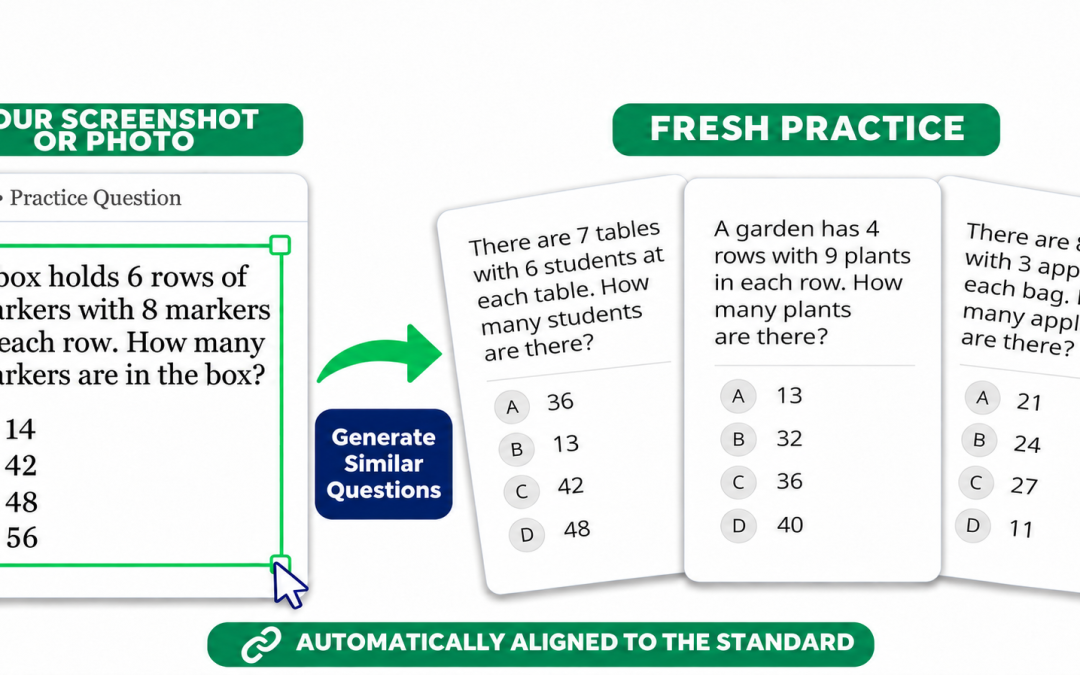
Screenshot a Question. Create More Like It.
Take a picture or screenshot of any question and get instant, high-quality questions mapped to the standard!
To try it, go to Question Generator → From Example → Use Screenshot of a Question.
Speaking Workshop for EB / ELD Students*
Provide frequent, engaging speaking practice to EB / ELD students with feedback and progress monitoring data.
If included in your district plan, see your district calendar for links or go to:
Lessons / Assessments → Curricula → ALL Ready for TELPAS → Choose an Assessment → Activate → Speaking Workshop
See it in action and learn more >>
Plus More!
- Update: Testing Time Limit Accommodation removes the countdown for eligible students and lets them continue after the normal time limit.
- Update: Hybrid TE manual grading preserves submitted student answers by using Grade Responses instead of the grading slider.
- Update: Writing Workshop printouts include the latest draft when no final answer was submitted.
- Fixed: Issues exporting student data from ad hoc sessions to CSV.
- Fixed: Loading issues with large district-wide Insight to Action reports.
- Fixed: Fractions displaying as code in AI-generated Drag & Drop and Hot Text questions.
- Fixed: Errors opening Scope & Sequence assessment settings when a campus had subject-specific cut scores but no campus default.
* AI assisted feature availability dependent on district AI policies.