ALL In Learning
  • Solutions
    • For Curriculum Teams
    • For Schools & Districts
    • Ai Grading Copilot
    • AI Writing Workshop
    • Clickers
    • Scanning
    • New York Initiatives
    • Texas Initiatives
    • Curricula
      • Ready-To-Use Curricula
      • Flat Panel Interactives
  • Login
    • Teachers & Admins
    • Student Login
  • Schedule a Demo
Select Page
NEW FEATURES & UPGRADES: New Student Portal Layout, Security Features, Exit Tickets, Chromebook Push Questions, Plus More!

NEW FEATURES & UPGRADES: New Student Portal Layout, Security Features, Exit Tickets, Chromebook Push Questions, Plus More!

by Joel Dennis | Apr 4, 2019 | News

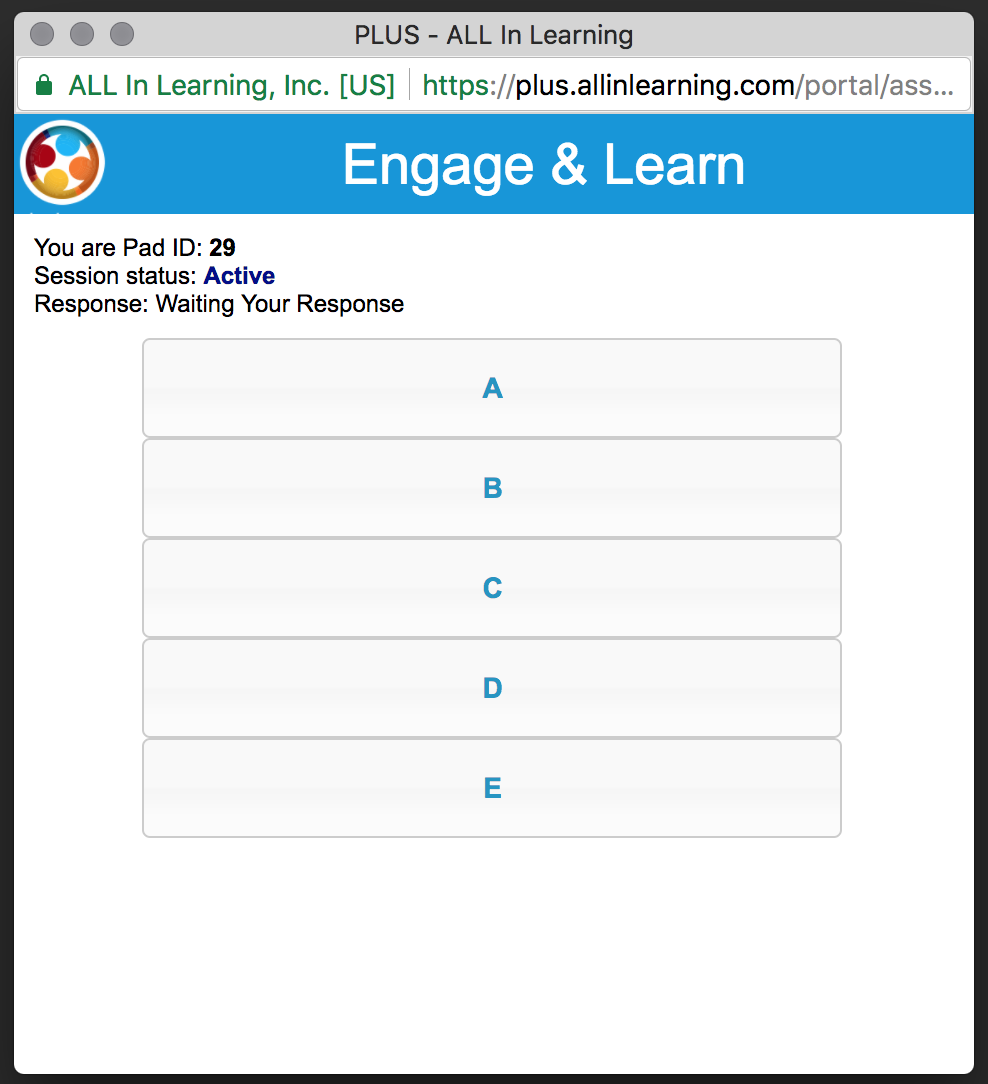
Thursday April 25th, 2019 These features and improvements are now live! New Student Portal Layout If your students use Engage & Learn or Remediations in the Student Portal (at http://students.allinlearning.com), let them know the visual layout and ease of use have...
NEW FEATURES & UPGRADES: Progress Tracker Improvements, Rubric Improvements, And More

NEW FEATURES & UPGRADES: Progress Tracker Improvements, Rubric Improvements, And More

by Joel Dennis | Mar 7, 2019 | News, Release Notes

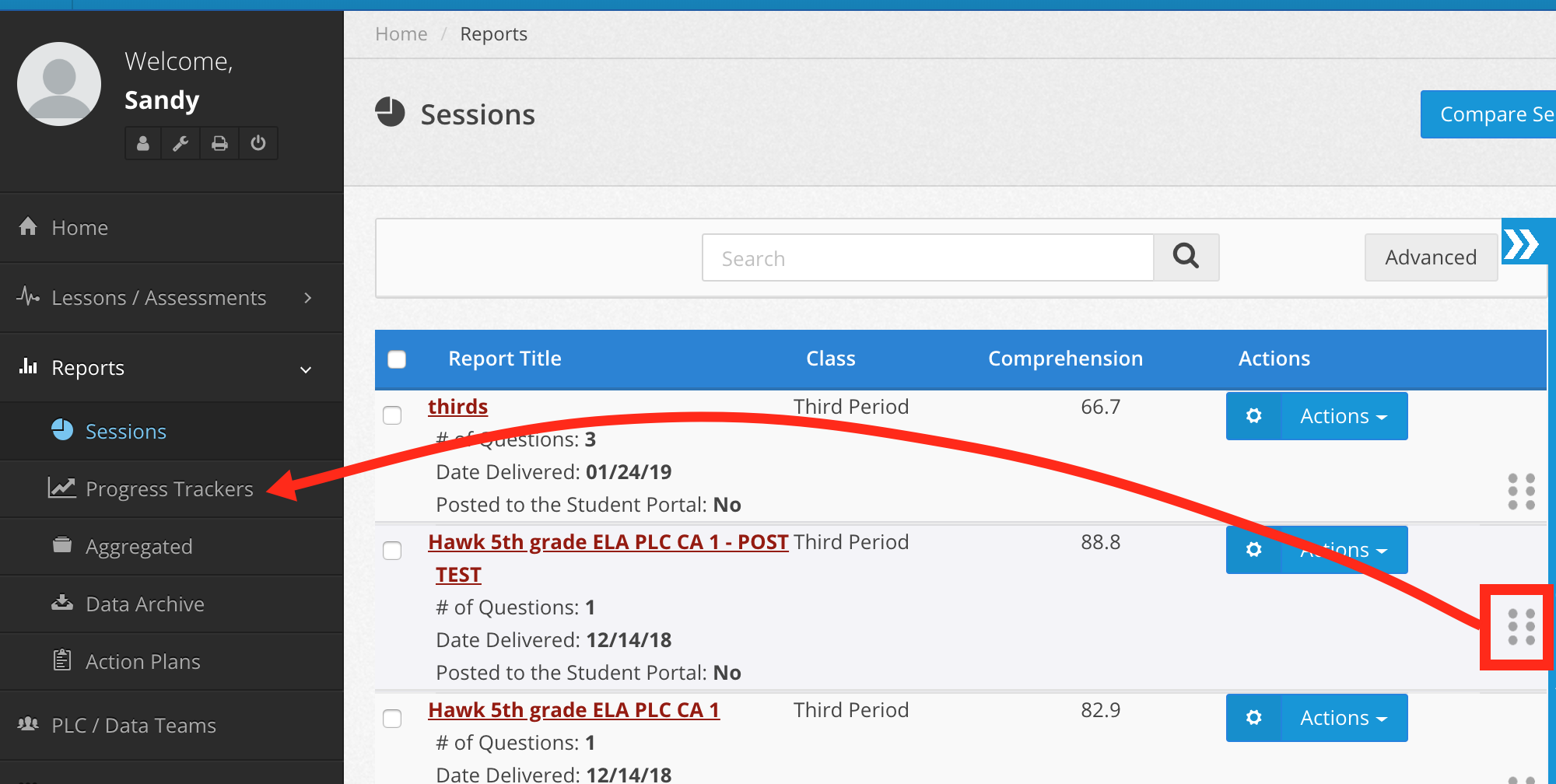
Thursday March 7th, 2019 These features and improvements are now live! Progress Tracker Improvements We’re making two significant changes to the Progress Tracker. First, it will no longer be a narrow column on the right side of the Sessions screen. It will...
NEW FEATURES & UPGRADES: Web Clicker, Multiple Correct Answers, Response Export Report, Florida Standards for Progress Testing Items, and More!

NEW FEATURES & UPGRADES: Web Clicker, Multiple Correct Answers, Response Export Report, Florida Standards for Progress Testing Items, and More!

by Joel Dennis | Mar 15, 2018 | News

Thursday March 15th, 2018 These great new improvements and features are now live! Engage & Learn Web Clicker Teachers can launch a clicker session and in addition to being able to use clickers, students can now respond instantly using Chromebooks, computers,...
NEW FEATURES & UPGRADES: Use PDFs for Testing, on Student Devices and Scramble Questions, Gwinnett County Teacher/VUE Export, and Other Improvements!

NEW FEATURES & UPGRADES: Use PDFs for Testing, on Student Devices and Scramble Questions, Gwinnett County Teacher/VUE Export, and Other Improvements!

by Joel Dennis | Oct 13, 2017 | News

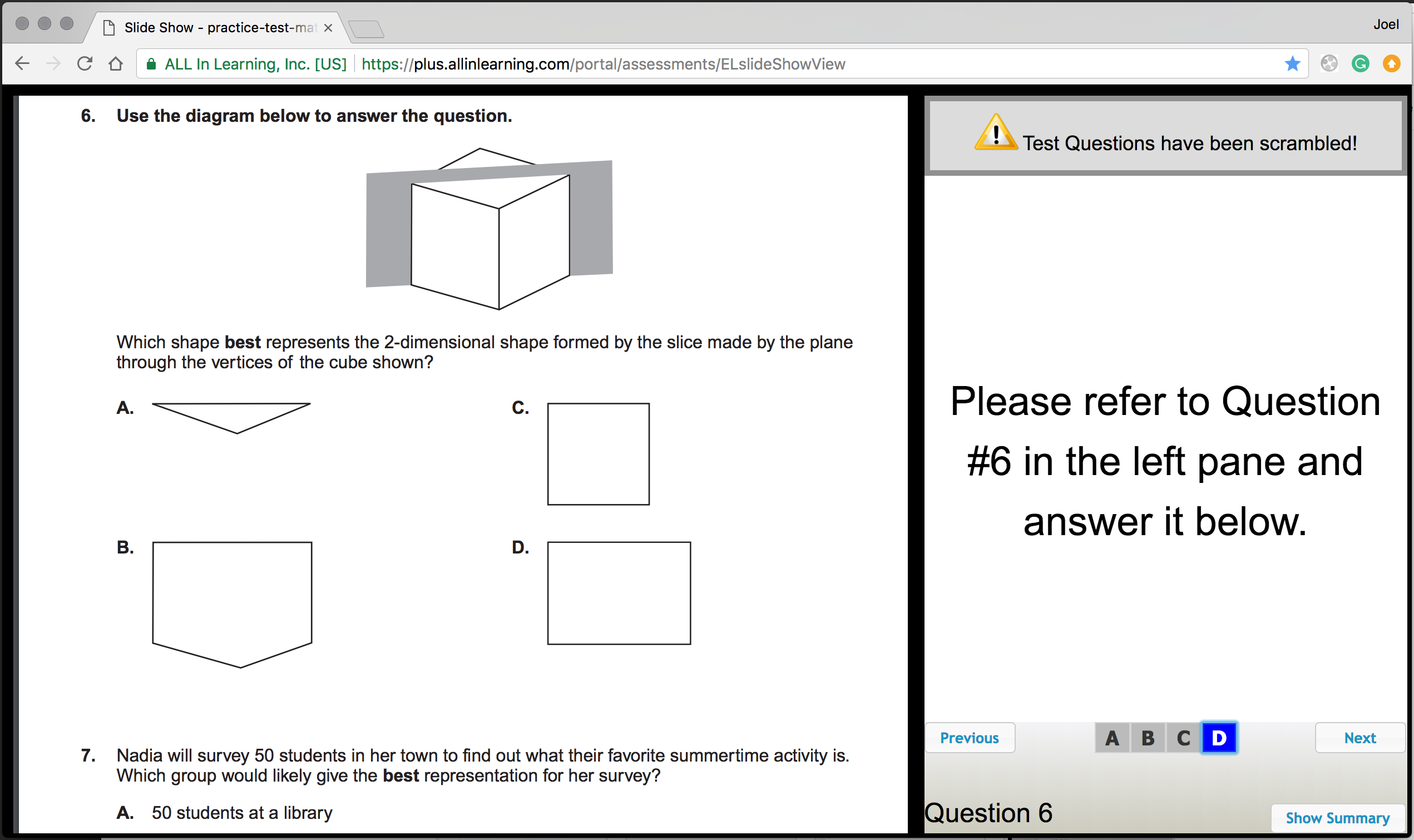
Friday October 13th, 2017 These great new improvements and features are now live! New “Assessment key with PDF” Feature “Assessment Key with PDF” (under “Create New” in the Lessons/Assessments tab) lets you easily upload a PDF of your test...
NEW FEATURES & UPGRADES: New Item Banks Tab and Other Improvements!

NEW FEATURES & UPGRADES: New Item Banks Tab and Other Improvements!

by Joel Dennis | Apr 25, 2017 | News

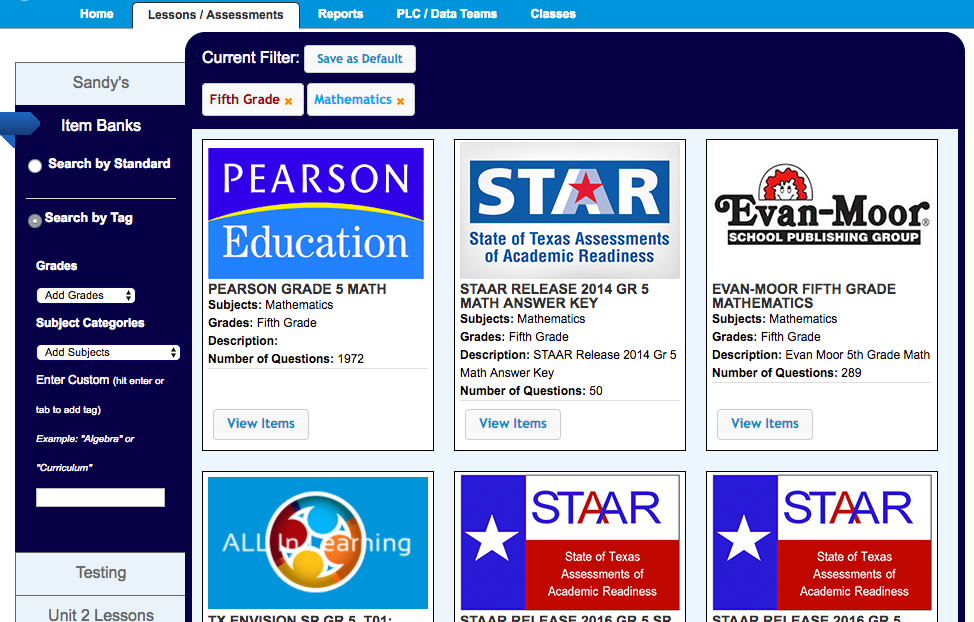
Monday April 24th, 2017 These great new improvements and features are now live! New “Item Banks” Tab The new Item Banks tab (under Lessons/Assessments) provides easier access to the ready-made questions teachers may not have even known they have access to. Just click...
« Older Entries
Next Entries »

News

  • Classroom Screen Time and Student Performance: Why Clickers Are Re-Emerging April 7, 2026
  • NEW FEATURES & UPGRADES: Changes to Student-Portal Typed Work, Plus More! September 9, 2025
  • NEW FEATURES & UPGRADES: Handwriting Scanning, IEP 504 Speech to Text, Writing Workshop Feedback Improvements, Word Count, Plus More! August 26, 2025

We Are Glad You Are Here!

Thanks for taking the time to learn about the ALL In Learning platform for teaching and learning. We are hard at work building a platform to help assist instruction and assessment efforts at the classroom, campus and district level.

Get to Know Us

  • About Us
  • Contact Us
  • Leadership Team
  • Research Driven Results
  • About
  • Testimonials
  • Contact Us
  • Privacy
  • News
  • FAQ
  • Facebook
  • X
© 2025, All In Learning . All rights reserved.